Real Estate POV — Capturing Light, Layout, and Lens Choice in One Reel
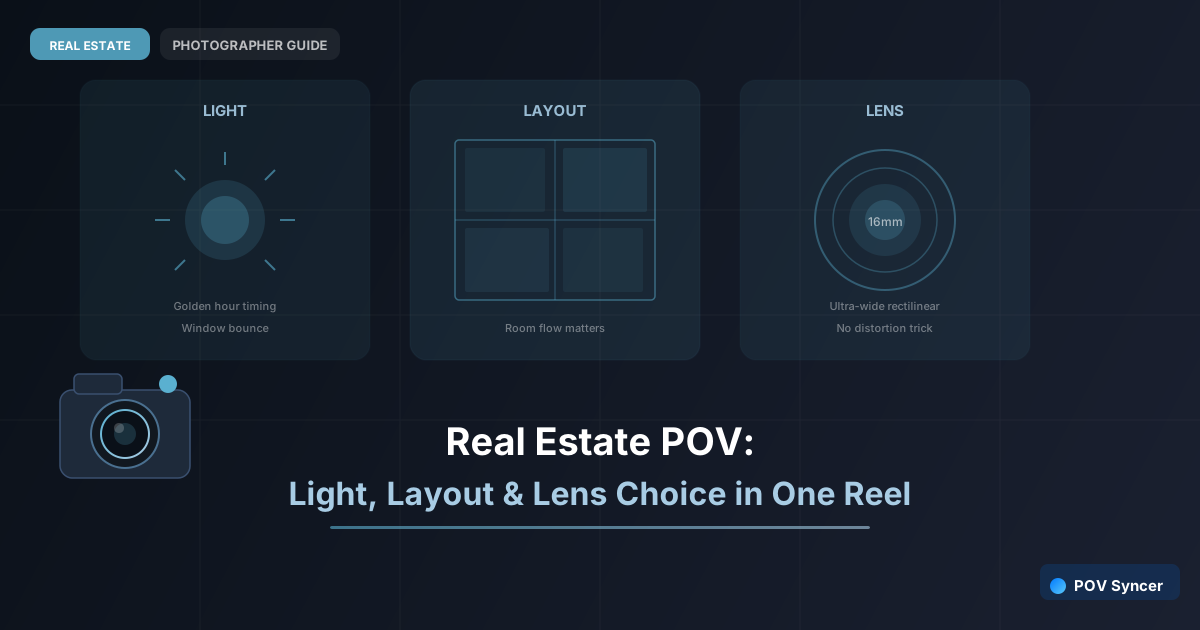
Every real estate photographer makes three critical decisions on every shoot: how to work with the available light, which rooms to shoot from which positions to convey the layout honestly and flatteringly, and which focal length makes each space read correctly in the frame. Agents booking you have no visibility into any of these decisions. They see the output. They do not see the thinking.
A POV Reel that makes those decisions visible — showing you arriving, reading the light, choosing a position, selecting a lens, and then revealing the resulting image — is the most technically informative content a real estate photographer can produce. It demonstrates expertise in a way that a gallery of beautiful images alone cannot, because it shows that the results are not accidental.
This is the content that earns you the word "professional" from agents rather than just "good photographer." And with POV Syncer's automatic EXIF sync, the post-production takes 15 minutes rather than an evening.
Light: Showing How You Read It
Real estate photographers deal with light that they cannot control: the orientation of the property, the time of day mandated by the booking, the window size and quality. The skill is in working with what you have — and your Ray-Ban Meta footage captures exactly how you do that.
The footage of you walking through a property on arrival, orienting yourself to where the light is coming from, choosing a starting position — this is expert behaviour made visible. An agent watching that footage, even without understanding the technical decisions being made, senses that you know what you are doing before you have taken a single shot.
When the finished image appears via EXIF sync at the moment you captured it, the result of those light-reading decisions is immediately visible. The viewer traces the line from the thinking to the outcome. That is compelling content, and it is built entirely from footage that was recording automatically while you did your job.
Layout: The Walkthrough Choices
Property layout is one of the hardest things to communicate in real estate photography. The standard wide-angle approach shows rooms individually but can leave buyers confused about how the spaces connect. Your POV footage shows the connections: you walking from the living room into the kitchen, from the landing into the main bedroom, from the back door into the garden.
Selecting the footage sections that show these transitions — and letting the EXIF-matched still images appear as you reach each space — creates a walkthrough that conveys layout more effectively than any floorplan. This is genuinely useful listing content, not just behind-the-scenes photographer marketing.
Get the free POV Photography Cheat Sheet
Real estate camera settings, lens choice tips, EXIF sync workflow, and export presets — on one printable page.
Free PDF, no spam. Unsubscribe anytime.
Lens: The Technical Choice Made Visible
The lens choice for real estate photography is not arbitrary. A 16mm ultrawide makes a modest kitchen look spacious but can distort the proportions of a living room badly enough that buyers feel misled when they view in person. A 24mm or 28mm gives honest proportions in most residential rooms. A tilt-shift corrects converging verticals without barrel distortion.
If you add AI narration to the Reel (POV Syncer Pro), a brief note at the lens-choice moment explains the decision without making it feel like a tutorial. "Dropped to 24mm here — the room is small enough that ultrawide would have misrepresented it." One sentence. The attentive agent or photographer in the audience understands; the casual viewer does not feel lectured.
Building the Three-Decision Reel
Structure the Reel around the three decision moments: arrival and light reading, position selection for the key room, and the final shot. Each beat is 15 to 20 seconds of POV footage ending in an EXIF-matched photograph reveal. Total runtime 45 to 60 seconds.
Import the Ray-Ban Meta footage and three images into POV Syncer. The timestamps handle the placement. Trim, add a clean title card with the property type and location (no address), add subtle music, export. That is the workflow. The technical content is already in the footage — you just need to select the right 45 seconds of it.
Related: why showing yourself matters as much as the property and producing walkthrough videos as listing assets.
Show your technical thinking — automatically
Download POV Syncer free. Your footage already contains the expertise. EXIF sync surfaces it automatically.
Download POV Syncer Free